Choosing a State Management Approach in Frontend Apps
Server state, client state, URL state — the three kinds of state and why choosing the right tool for each matters more than picking a 'winner'. A practical framework for React and friends.
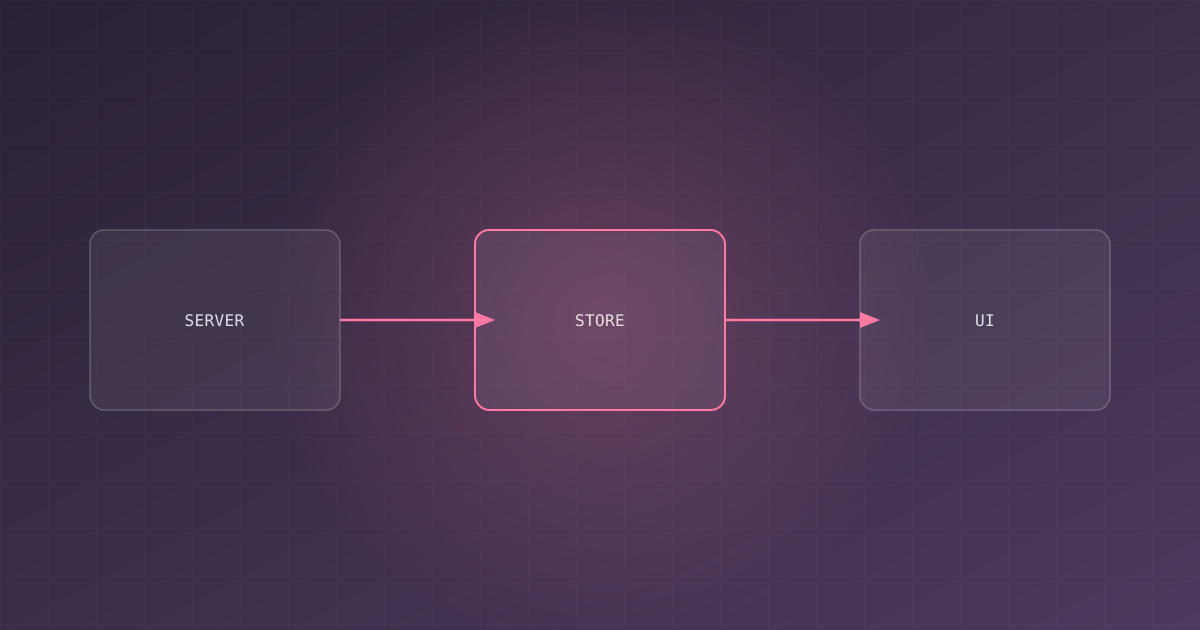
Every frontend project eventually has the same argument: “Should we use Redux? Zustand? Jotai? Context? Nothing?” The debate is usually framed as picking a library, but that’s the wrong framing. Different kinds of state need different solutions. This article gives you a mental model for classifying state, and then matching it to a tool.
The three kinds of state
Nearly all state in a frontend app falls into three buckets:
1. Server state
Data that lives on the backend and is fetched into the client: user profiles, posts, shopping carts. This is the largest and most complex category. It comes with cache invalidation, loading states, error states, pagination, optimistic updates, and re-fetching on window refocus.
2. Client state
Data that exists only in the browser: form inputs, modals open/closed, current filter values, theme preference. It’s simple, ephemeral, and has no cache semantics.
3. URL state
Data that belongs in the URL: search queries, filters, page numbers, active tabs. This state should be shareable, linkable, and survive refresh.
The mistake most apps make is treating all three identically — often by stuffing everything into one global store.
Server state: use a data-fetching library
Server state should almost never be in a global store. The moment you hand-manage fetched data, you reimplement caching, deduplication, and invalidation — badly.
Use a purpose-built data-fetching library instead (TanStack Query, SWR, or the built-in solutions in frameworks like Next.js and Remix):
import { useQuery } from "@tanstack/react-query";

function UserProfile({ userId }: { userId: string }) {
  const { data, isLoading, error } = useQuery({
    queryKey: ["user", userId],
    queryFn: () => fetch(`/api/users/${userId}`).then((r) => r.json()),
  });

  if (isLoading) return <Skeleton />;
  if (error) return <ErrorState />;
  return <Profile user={data} />;
}
What you get for free: request deduplication, background refetch, cache invalidation, retry logic, and optimistic updates. None of that belongs in your app’s global state.
Client state: stay local
For purely local UI state, the best answer is often no library at all. React’s useState, useReducer, and Context handle the vast majority of cases.
function FilterPanel() {
  const [open, setOpen] = useState(false);
  const [query, setQuery] = useState("");

  return (
    <div>
      <button onClick={() => setOpen(!open)}>Filters</button>
      {open && <input value={query} onChange={(e) => setQuery(e.target.value)} />}
    </div>
  );
}
Reach for a lightweight store (Zustand, Jotai) only when genuinely shared, non-URL client state needs to cross many components — like an auth session, a theme, or a multi-step wizard.
import { create } from "zustand";

export const useTheme = create((set) => ({
  mode: "light",
  toggle: () => set((s) => ({ mode: s.mode === "light" ? "dark" : "light" })),
}));
URL state: put it in the URL
If a value changes what the user sees and should survive a reload or be shareable — it belongs in the URL. Libraries like React Router and TanStack Router make this first-class:
import { useSearchParams } from "react-router-dom";

function SearchResults() {
  const [searchParams, setSearchParams] = useSearchParams();
  const q = searchParams.get("q") ?? "";

  return (
    <input
      value={q}
      onChange={(e) => {
        setSearchParams({ q: e.target.value }, { replace: true });
      }}
    />
  );
}
The URL is the original state manager: it’s shareable, linkable, crawlable, and survives everything.
A decision table
| Kind of state | Example | Recommended tool | Avoid |
|---|---|---|---|
| Server data | Posts, profile, cart | TanStack Query / SWR | Global store |
| Shared client state | Auth, theme, wizard | Zustand / Jotai / Context | Redux for this alone |
| Local UI state | Modal open, input | useState | Any store |
| URL state | Filters, page, tab | Router search params | Global store |
Why Redux still has a place
Redux is not dead. It’s excellent for complex, shared, event-driven client state — big state machines, extensive undo/redo, apps with many coordinated pieces. The criticism isn’t that Redux is bad; it’s that Redux is heavy, and teams reach for it for the simplest server-fetching problem, which is exactly where it does the least good.
The refactor that fixes most apps
If you have an app that’s hard to reason about, a high-impact refactor isn’t “switch to Zustand” — it’s reclassify your state:
- Move server data out of your store into a data-fetching library
- Move filter/pagination/page state into the URL
- Let local component state stay local
- Keep only genuinely shared client state in a store
Conclusion
Stop asking “which state management library is best” and start asking “what kind of state is this?” Classify first, choose second. Server state goes to a fetching library, URL state goes to the router, and client state stays as close to the UI as it can. Most apps shrink their global store to almost nothing — and their bugs shrink with it.

Written by
Benmalek Zohir
Founder, AI Engineer & Full Stack Developer
Benmalek Zohir is an AI Engineer, Full Stack Developer, and technology enthusiast focused on artificial intelligence, software development, and emerging technologies. He is the founder of SoftwareJournal.blog, where he shares practical insights, software discoveries, AI tools, and the latest developments in technology.