A Practical Guide to CI/CD Pipelines
From a single job to a deployable pipeline. How to structure CI/CD pipelines that are fast, reliable, and debuggable — with real examples for GitHub Actions and GitLab CI.
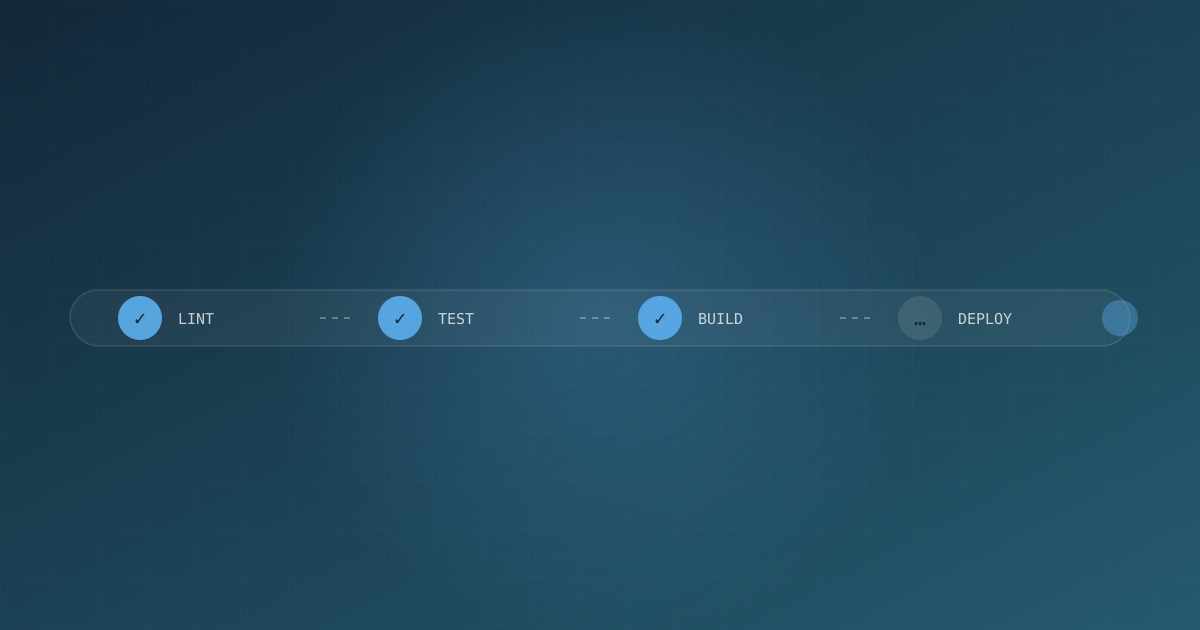
A CI/CD pipeline is the contract between your team and your software. It’s where code becomes confidence. But most pipelines are afterthoughts — a .yml file that grew organically, breaks randomly, and takes forty minutes to fail. This guide covers how to build a pipeline that runs fast, fails clearly, and deploys safely.
The three pipelines you actually need
Teams overcomplicate this. You need three distinct concerns:
- Continuous Integration (CI) — verify every commit. Build, test, lint, typecheck.
- Continuous Delivery (CD) — every commit that passes CI is ready to deploy, automatically staged.
- Deployment — promoting a verified artifact to an environment with approval gates.
A single monolithic “deploy on merge” pipeline conflates all three and makes every commit a production event. Separate them and each gets simpler.
Start with a fast, reliable CI job
CI is the highest-frequency, highest-friction part. Optimize it for speed to feedback.
# .github/workflows/ci.yml
name: CI

on:
  push:
    branches: [main]
  pull_request:

jobs:
  lint-and-test:
    runs-on: ubuntu-latest
    steps:
      - uses: actions/checkout@v4
      - uses: actions/setup-node@v4
        with:
          node-version: 22
          cache: npm
      - run: npm ci
      - run: npm run lint
      - run: npm run typecheck
      - run: npm test -- --coverage
      - uses: actions/upload-artifact@v4
        with:
          name: coverage
          path: coverage/
Key properties of a good CI job:
- Reproducible: lockfile +
npm ci, notnpm install - Fast: caching is the difference between 5 and 45 minutes
- Parallelizable: split unit tests from e2e tests into separate jobs
- Fail fast: fail the whole run on the first meaningful error
Build artifacts, then deploy them
A common anti-pattern is building in CI and re-building in the deploy step. Build once, produce a versioned artifact, and deploy that exact artifact everywhere. This eliminates the “works in staging, broken in prod” class of bugs caused by non-reproducible builds.
  build:
    runs-on: ubuntu-latest
    needs: lint-and-test
    steps:
      - uses: actions/checkout@v4
      - uses: actions/setup-node@v4
        with:
          node-version: 22
          cache: npm
      - run: npm ci
      - run: npm run build
      - uses: actions/upload-artifact@v4
        with:
          name: dist
          path: dist/
          retention-days: 7
The staging gate
Before production, run the verified artifact through a staging environment with real integration tests.
  deploy-staging:
    runs-on: ubuntu-latest
    needs: build
    environment: staging
    steps:
      - uses: actions/download-artifact@v4
        with:
          name: dist
      - uses: superfly/flyctl-actions/setup-flyctl@master
      - run: flyctl deploy --remote-only --config fly.staging.toml

  integration-tests:
    runs-on: ubuntu-latest
    needs: deploy-staging
    steps:
      - run: ./scripts/smoke-test-staging.sh
Deploying to production safely
Production deploys should be gated, auditable, and reversible. Three patterns matter more than any tooling choice:
1. Environment-based approval
GitHub Actions environments provide manual approval and required reviewers. Use them. A human approving a prod deploy is not bureaucracy — it’s accountability.
2. Deployment strategies
The strategy field tells the orchestrator how to roll out:
  deploy-prod:
    runs-on: ubuntu-latest
    needs: [integration-tests, deploy-staging]
    environment:
      name: production
      url: https://app.example.com
    steps:
      - uses: actions/download-artifact@v4
        with:
          name: dist
      - run: ./scripts/deploy.sh
Whatever platform you use, prefer rolling, blue-green, or canary deploys over kill-and-replace. For a web service, blue-green means zero downtime and instant rollback — point the router at the old version and you’re back.
3. Rollback is a feature
Have a documented, tested rollback. If deploy v42.3 goes sideways at 3am, the team should be able to restore v42.2 with one command, not a 40-minute debugging session.
Secrets and permissions
Never put secrets in the pipeline definition. Use the platform’s secret store and scope access tightly:
    env:
      DEPLOY_TOKEN: ${{ secrets.DEPLOY_TOKEN }}
Follow the principle of least privilege: CI gets read access to the repo and write access only to the artifact store. Only the deploy job holds production credentials, and those live behind an environment scope.
Monitoring the pipeline itself
Your pipeline is software. Treat it that way:
- Track pipeline duration over time; regressions compound
- Set up alerts for pipeline failures on main
- Use flaky-test quarantine rather than disabling tests
- Retry automatically only for infra failures, never for test failures
# GitHub Actions supports automatic retries for transient failures
jobs:
  e2e:
    runs-on: ubuntu-latest
    strategy:
      fail-fast: false
      matrix:
        browser: [chromium, firefox, webkit]
Conclusion
A great pipeline is boring. It runs fast, it passes or fails clearly, and it never surprises anyone. Build one artifact, verify it in staging, deploy with gates, and always keep rollback one click away. When the pipeline is reliable, your team ships with confidence — and that confidence is the whole point.

Written by
Benmalek Zohir
Founder, AI Engineer & Full Stack Developer
Benmalek Zohir is an AI Engineer, Full Stack Developer, and technology enthusiast focused on artificial intelligence, software development, and emerging technologies. He is the founder of SoftwareJournal.blog, where he shares practical insights, software discoveries, AI tools, and the latest developments in technology.